Collect and manage documents effortlessly
Receive submissions through a custom UploadDoc link, track every document, and manage everything from one organized workspace.
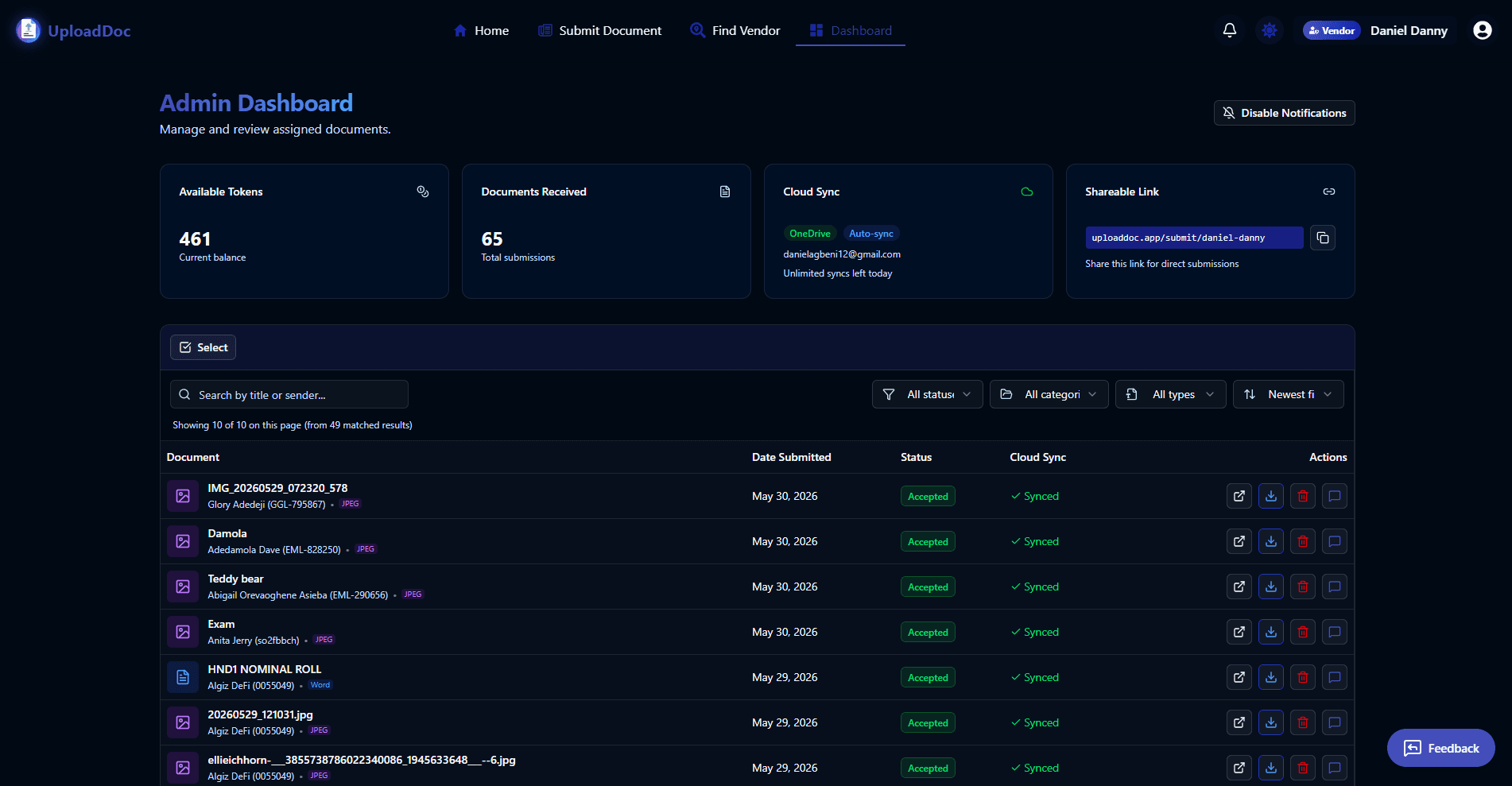
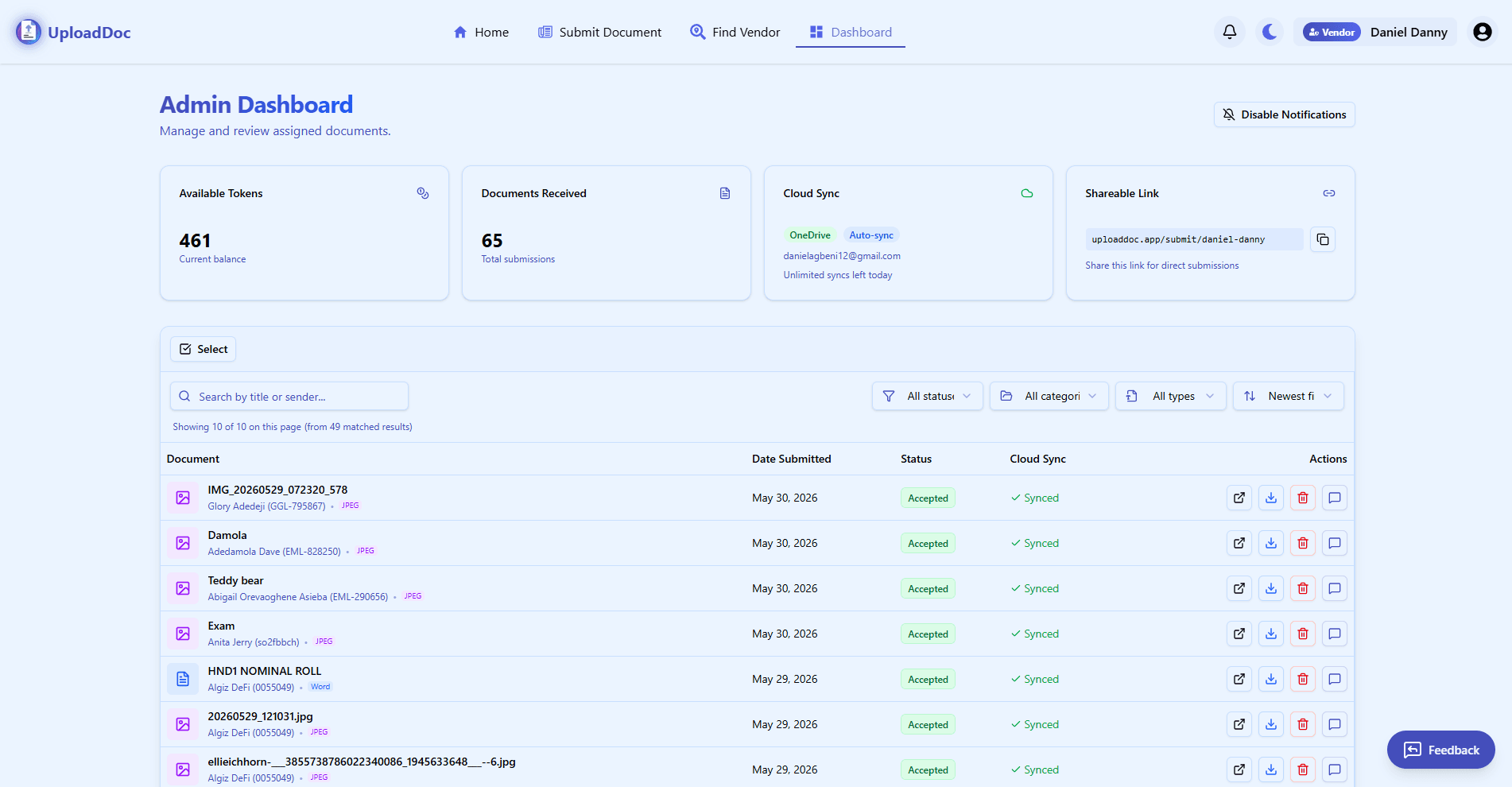
Documents submitted through UploadDoc
Multi-file upload support
Google Drive, OneDrive, and Dropbox
For receiving, reviewing, and managing documents
How UploadDoc works
Find or share a submission link, upload files, review details, and keep the full document workflow visible from start to finish.
Find or open a submission link
Find active document receivers — lecturers, departments, print shops, offices, businesses, and service providers.
Upload one or more documents
Submit PDFs, images, Word files, presentations, spreadsheets, designs, and other readable or printable files.
Vendor reviews the submission
The receiver can preview supported files, review details, and decide whether to accept or delete the submission.
Track and manage the workflow
Senders can track submitted documents, while vendors manage accepted files from one dashboard.
A vendor is anyone who receives documents
On UploadDoc, a vendor can be a lecturer collecting assignments, a print shop receiving design files, an HR team collecting CVs, a department collecting proposals, or a business receiving client documents.
Lecturer
Collecting assignments
Print shop
Receiving design and print-ready files
HR team
Collecting CVs and application documents
Department
Receiving proposals and project files
Every vendor gets a direct submission link
Create a custom link like:
Share it on WhatsApp, posters, QR codes, emails, social media, or department pages. Anyone with the link can submit documents directly to you. Active status controls Find Vendor visibility, while direct links can still support private workflows.
Vendor dashboard features
See all received documents in one dashboard
Search by title or sender name
Filter by status, category, and file type
Accept, delete, preview, download, or sync documents
Use tokens to manage document acceptance
Share your custom submission link
Track submitted documents
Users can see documents they have submitted, who they submitted to, the date, file size, and status such as pending or accepted.
Submit multiple files at once
Upload up to 10 files in one submission, with file names, sizes, and page counts shown before submission. This works for CV packages, project files, proposal documents, designs, and print-ready files.
Built for readable and printable files
UploadDoc supports common document and file types including PDFs, Word documents, images, spreadsheets, presentations, and design-related files. If a format is not supported yet, users can contact UploadDoc.
Built for people who receive documents from many people
Stop collecting files through WhatsApp, email, flash drives, and scattered chats. Create one submission link, receive everything in one dashboard, and decide what to accept or process.
Simple submission for senders
Submit documents to the right person without asking for emails, sending files through WhatsApp, or worrying whether your file was received.
Use UploadDoc for
Collect files for campus, business, office, service, and client workflows without turning every submission into a chat thread.
Assignment submission
Project and thesis submission
Proposal collection
CV collection
Print-ready file collection
Office document intake
Client document submission
Departmental document workflow
Application document collection
Design file submission
Key Features
Everything needed to collect, review, track, and manage document submissions in one workflow.
Direct Submission Links
Vendors can create and share a custom link for receiving documents.
Vendor Discovery
Users can find active vendors by name or location.
Structured Multi-File Submissions
Senders can upload multiple files with clear titles and descriptions.
Submitted Document Tracking
Users can track documents they have submitted and see their current status.
Review & Acceptance Workflow
Vendors can review, accept, or delete submissions from the dashboard.
Image Preview Before Acceptance
Vendors can preview a scaled-down version of image submissions before accepting.
Cloud Storage Sync
Eligible vendors can sync accepted documents to Google Drive, OneDrive, or Dropbox.
Private Document Routing
Documents go directly to the selected vendor or submission link owner.
Who it's for
Whether you receive documents or submit them, UploadDoc is built for you.
People who receive documents
People who submit documents
More than printing. Built for document workflows.
UploadDoc can support printing, but it is not only a printing platform. It is built for anyone who needs to collect documents from many people and manage them clearly.
Start a clearer document workflow
Create a submission link for collecting documents, or submit files to an active document receiver.